
Connect and configure
Authorise Square in your browser, then choose the default location, an optional category, and whether inventory counts are reconciled.
Square integration
Prepare editable product content and catalogue images in Product Agent, review the details, and add a new item to a Square catalogue you are authorised to manage.

Photo to Square
Authorise Square in your browser, then choose the default location, an optional category, and whether inventory counts are reconciled.
Generate an editable title, description, SKU, and fixed price in your merchant currency, plus normalised catalogue images.
Confirm the content and selected Square connection before the item is created, or use eligible auto-dispatch when live checks permit it.
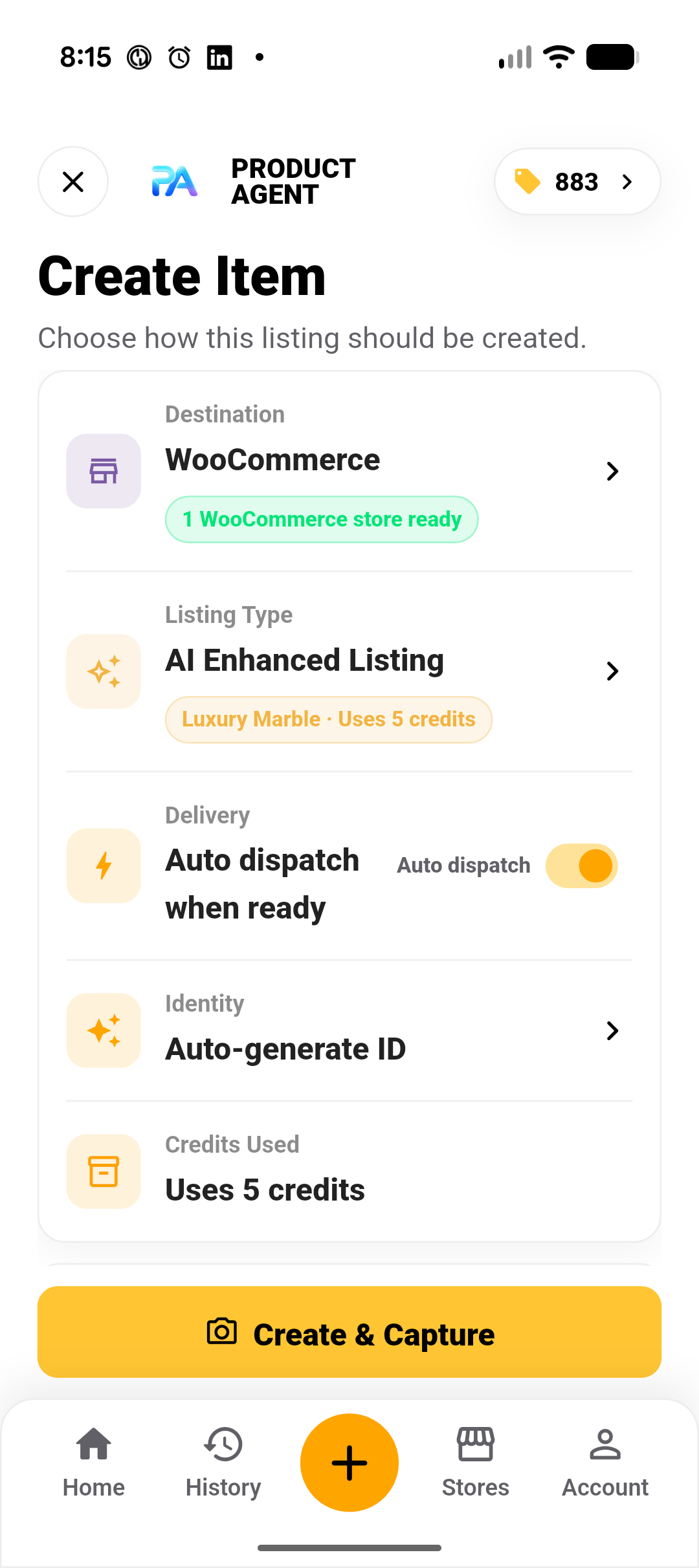
Catalogue creation
Product Agent adds new items to your Square catalogue; it does not publish them to Square Online. Sales channels, item visibility, and site publication stay in Square.
Each delivery creates a new item with one variation that carries the SKU and fixed price. Product Agent does not update existing Square items in this release.
When inventory reconciliation is enabled, the quantity is set at the selected location. This needs the Square inventory permissions granted during connection.
Credits and limitations
Keep the original product photos while generating the editable item content and catalogue images.
Keep the captured product and lighting while the original background is removed for a clean catalogue hero image.
Run AI image enhancement before item generation when the hero presentation needs more work.
Sandbox and production Square connections are kept separate. You remain responsible for pricing, tax, inventory, item legality, rights, category setup, and compliance with Square’s current rules. Platform capabilities can change.
Common questions
No. It creates catalogue items in the connected Square account. Publishing to Square Online, sales-channel visibility, and site presentation are managed in Square.
No. This release is creation only: each delivery adds a new catalogue item with one variation. Edit or merge items in Square afterwards.
The connected merchant currency and the default location chosen during configuration. Listing prices must match the merchant currency, and amounts are converted to Square’s minor units.
Merchant profile, location, and catalogue read and write permissions. Inventory read and write permissions are requested only when inventory reconciliation is turned on.
Connect only a Square account you are authorised to manage.