
Capture product evidence
Add photos and a barcode, SKU, manual identity, or Product Agent ID for the item.
eBay integration
Prepare the image set and editable listing fields in Product Agent, review the item’s commercial details, and deliver supported data to your connected eBay account.

Photo to eBay
Add photos and a barcode, SKU, manual identity, or Product Agent ID for the item.
Prepare a draft title, description, condition, pricing suggestion, category context, identifiers, and ordered image set.
Review-first delivery requires confirmation. Eligible automatic delivery can proceed only after live access and workflow checks pass.
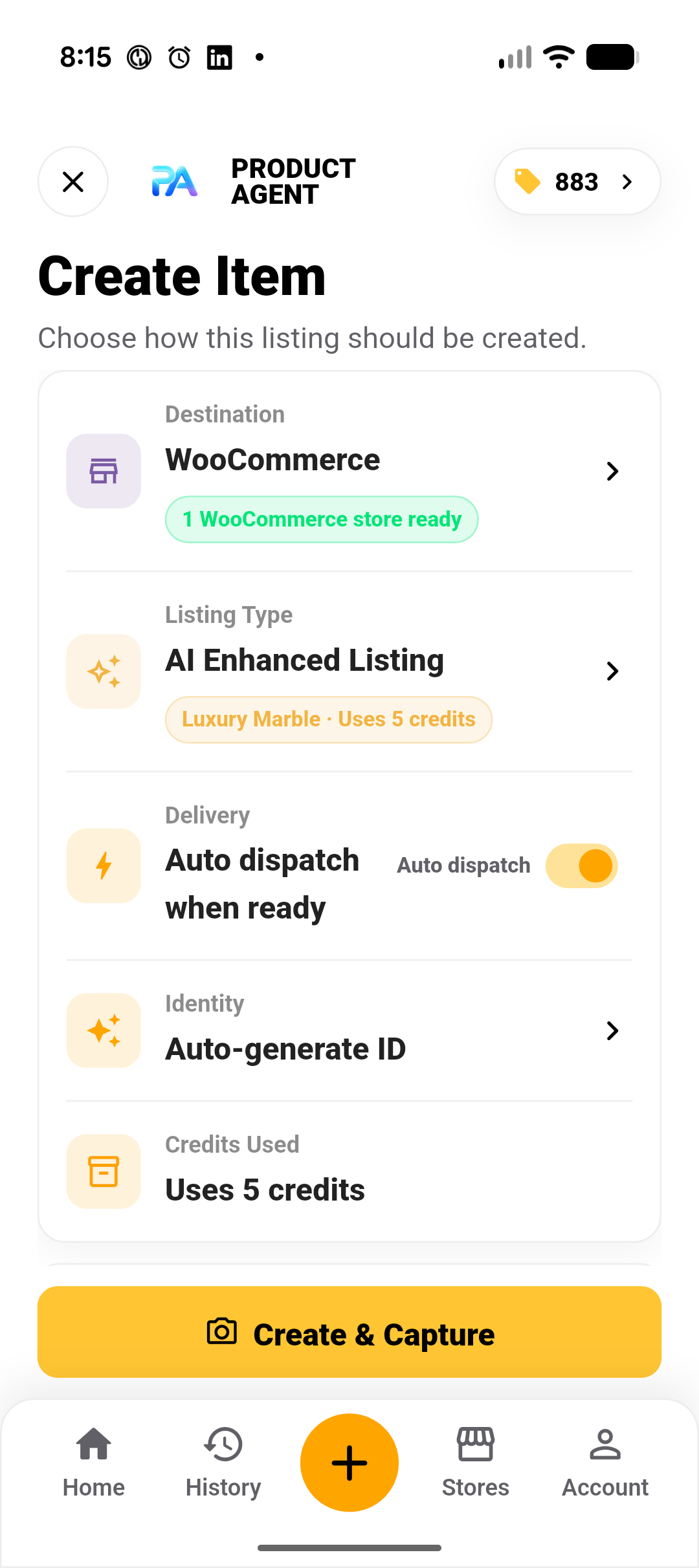
What Product Agent handles
Delivery images are normalised for eBay Picture Services. Durable eBay-hosted image URLs are retained for delivered listings.
Changing identifiers or the ordered photo set invalidates an earlier review confirmation before delivery.
Plan, connection, confidence, or destination restrictions surface as explicit manual-review or dispatch states.
Local eBay destinations
Each eBay connection is bound to one marketplace so Product Agent can use its local currency, current category tree, language headers and seller policies. Connect another destination separately when the same seller account operates in more than one supported marketplace.
Initial connections support Australia, United States, United Kingdom, Canada, Ireland and Singapore. Existing legacy marketplace connections remain compatible.
New Zealand has no automatic eBay destination in this release. Sellers must explicitly choose another marketplace only when their eBay account is eligible to list there.
Auto-dispatch uses only a ready eBay connection matching the item’s confirmed market. Changing to a conflicting marketplace requires retargeting and listing regeneration.
Seller eligibility, category availability, policies and supported fields are controlled by eBay and may change. More markets are planned; timing and availability may change.
Usage
Use original photos while generating listing copy and delivery-ready supporting assets.
Keep the captured product and angle while the original background is removed for a clean, marketplace-ready hero image.
Run AI image enhancement before generating the listing when the hero presentation needs more work.
You are responsible for eBay category rules, item specifics, condition, price, rights, tax, prohibited items, and final listing accuracy. eBay availability and supported fields may change.
Common questions
It supports review-first and eligible automatic delivery. Your matching marketplace connection, seller eligibility, Product Agent access, item state, and backend checks must all permit delivery.
Yes. Connect each supported marketplace separately. Reconnecting the same account and marketplace updates that destination rather than replacing its other marketplace connections.
No. Product Agent resolves marketplace-specific category metadata, but category and product suggestions may still be incomplete or incorrect. Review the selected category, item specifics, and current eBay requirements.
No. Product Agent uses transport links only during upload and retains durable eBay-hosted image URLs for eBay delivery.
Connect only an account you are authorised to manage.